The meeting room display built for Microsoft 365.
Lobby shows live room availability on an e-ink screen outside every door — reading straight from your Microsoft 365 room mailboxes via Microsoft Graph. Read-only. 10-minute setup. Free for 3 rooms, forever.
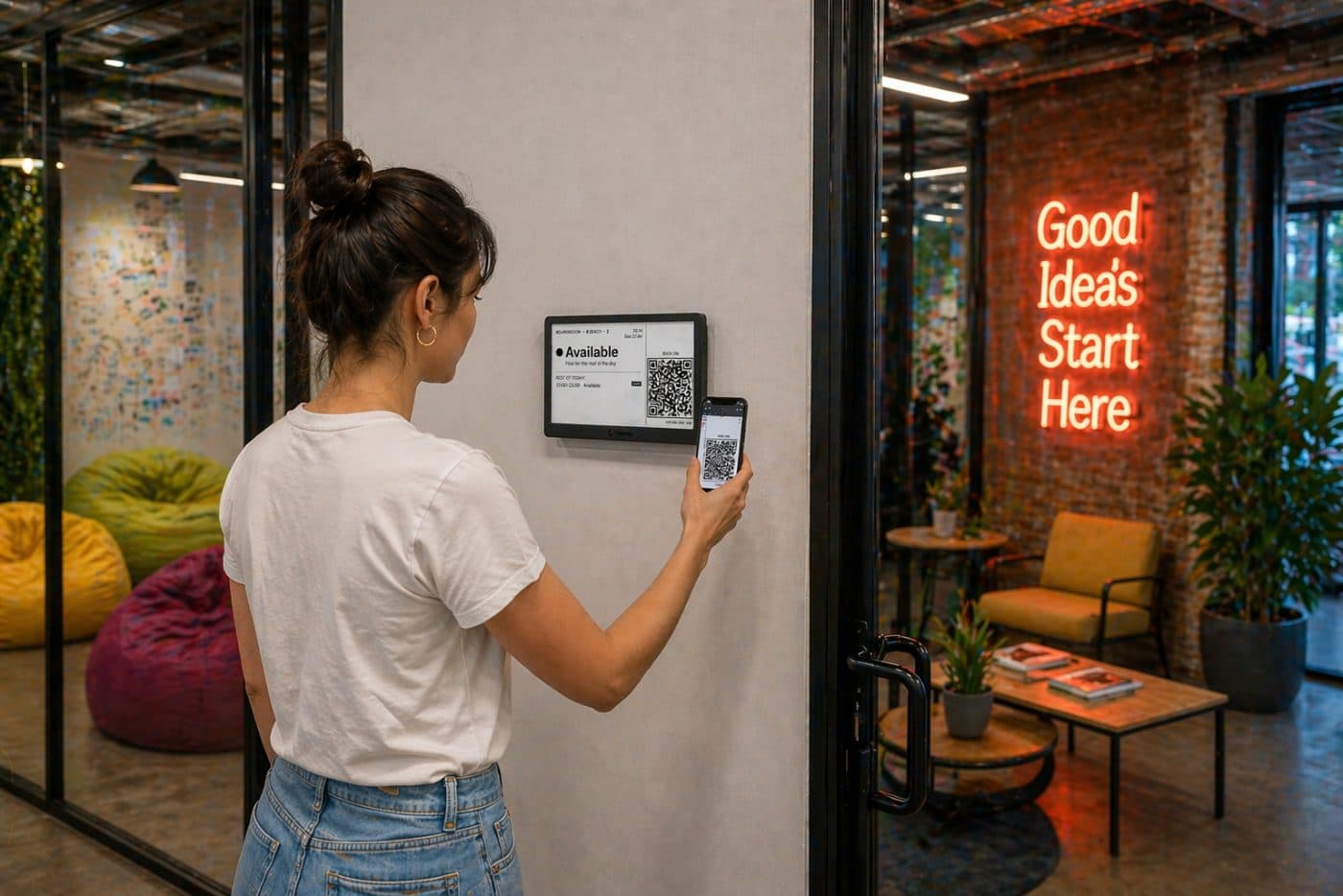
Buy our display for €129. Or use the one you already have.
Most room-display vendors force you to buy their hardware. We don't. Run Lobby on a TRMNL e-ink display we ship you, or point it at a cheap Android tablet, an old iPad, a Raspberry Pi, or anything with a browser.
7.5″ 800×480 e-ink. No apps. No glow. Reads like paper in any lighting. Ships anywhere we can ship.
- Up to 12 months on a single charge
- WiFi only — no Ethernet, no POE, no drilling
- Hardware you own outright. Not leased.
- Open-source firmware (fork it on GitHub)
- Ships in 5 business days (EU / US / UK)
Pi · Kindle · any browser
Got a drawer of old iPads? An Android tablet on the wall? Lobby renders as a web page — if it has a browser, it works.
- Works on iPad, Android, Fire tablet, Pi and all other devices with a browser.
- Unique display link paired with your device
- Same calendar sync. Same dashboard. Same price.
- Expect more glare & charging than e-ink
- You handle mounting & power
Switch hardware any time. Mix and match — run our e-ink in the boardroom and old iPads in the phone booths. Same account, same €0 bill up to 3 rooms.
Physical, virtual, or an overview of the lot.
Same Microsoft 365 calendar sync. Same dashboard. Same pricing. Pick the surface that fits your space — or mix them.
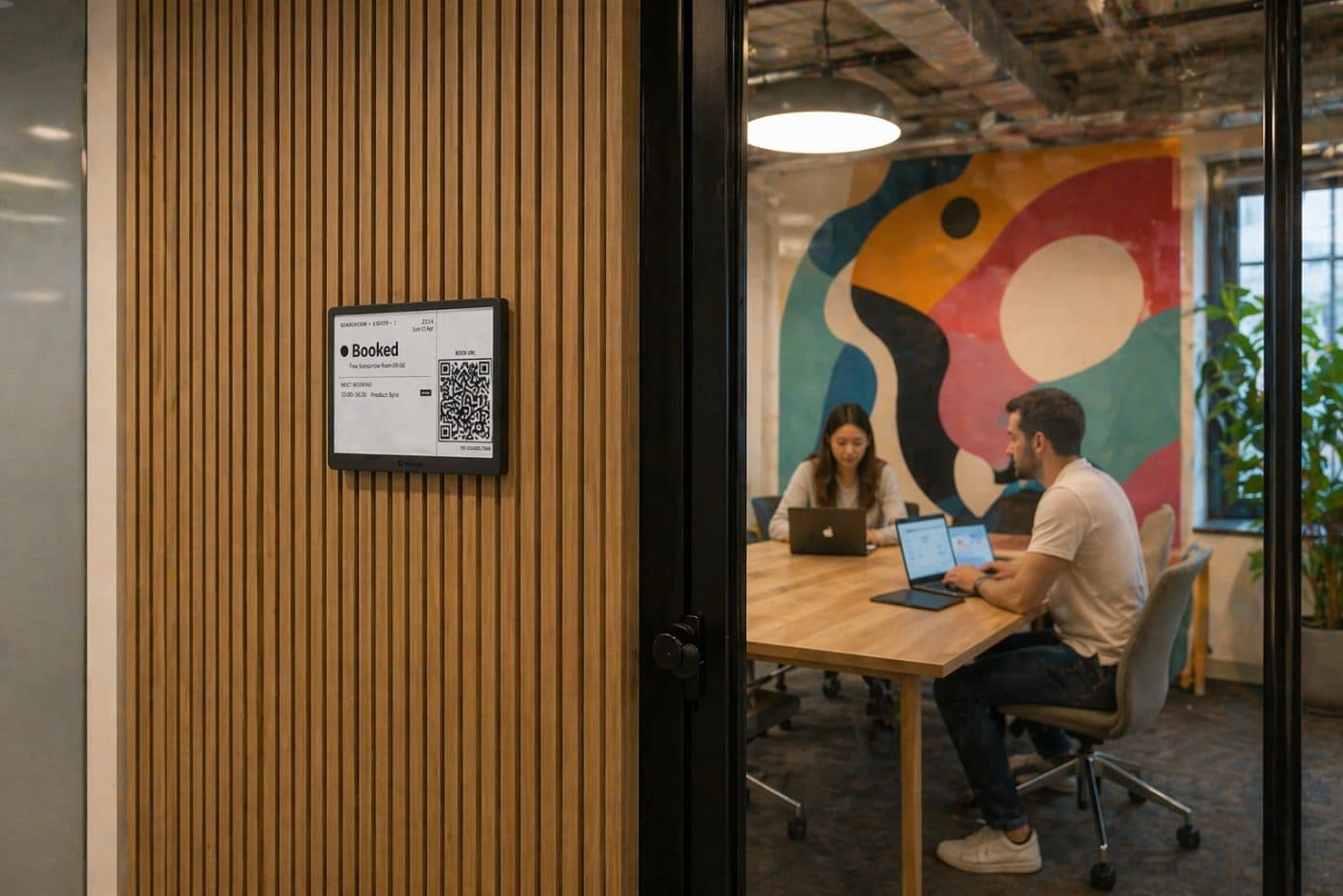
Battery-powered TRMNL hardware beside every door. No glare, readable from 5 metres, charges once a year.
How the e-ink display worksSame view, in a browser tab on any tablet, TV, or screen you already own. No mount, no pairing — just open a URL.
How virtual displays workEvery room, on one screen. Perfect for lobbies and shared areas. Runs on e-ink or in a browser. Counts as one display.
How the overview worksWe read your calendars. We can't touch them.
Lobby only requests the Microsoft Graph permissions it needs to render a room's status. No write access. No mail. No files. No user directory. Your IT admin can audit every scope before they grant tenant-wide consent in Microsoft Entra — and revoke it in one click.
Two scopes. That's it.
We request Calendars.Read (application permission, scoped to the room mailboxes you select) and Place.Read.All so we can list your rooms in the picker. That's the only Microsoft Graph access Lobby ever holds.
Tenant admin consent, once.
A Microsoft 365 / Entra global admin grants admin consent for Lobby once, against the room mailboxes you pick. End users never see a consent screen. Lobby supports application-only auth — no shared service accounts, no impersonation.
Event data isn't stored.
We cache the next ~24h of room availability in-memory per display. We never log organiser emails, attendees, meeting bodies, or attachments. EU-hosted. GDPR-compliant. Compatible with EU Data Boundary requirements.
Revoke in 30 seconds.
Remove Lobby from Microsoft Entra admin center → Enterprise applications and every display shows "inactive" within a minute. No uninstall process to chase, no support ticket.
From a Microsoft 365 login to a live display. Under 10 minutes.
No IT ticket. No on-prem agent. No "contact sales" gate before you can try it.
Log in with your Microsoft 365 account
An Entra global admin grants tenant-wide consent once. Users on the tenant never see a consent screen again.
Choose which room mailboxes to show
Your rooms are already room mailboxes (Places) in Microsoft 365. Toggle the ones you want a display for. Skip the rest.
Pair the display & stick it on the wall
Scan a QR code from the dashboard to pair. Mount with Command strips. Sync is live within 60 seconds.
“The display outside our main meeting room has literally stopped the ‘is the room free?’ question. People just look at the wall now.”
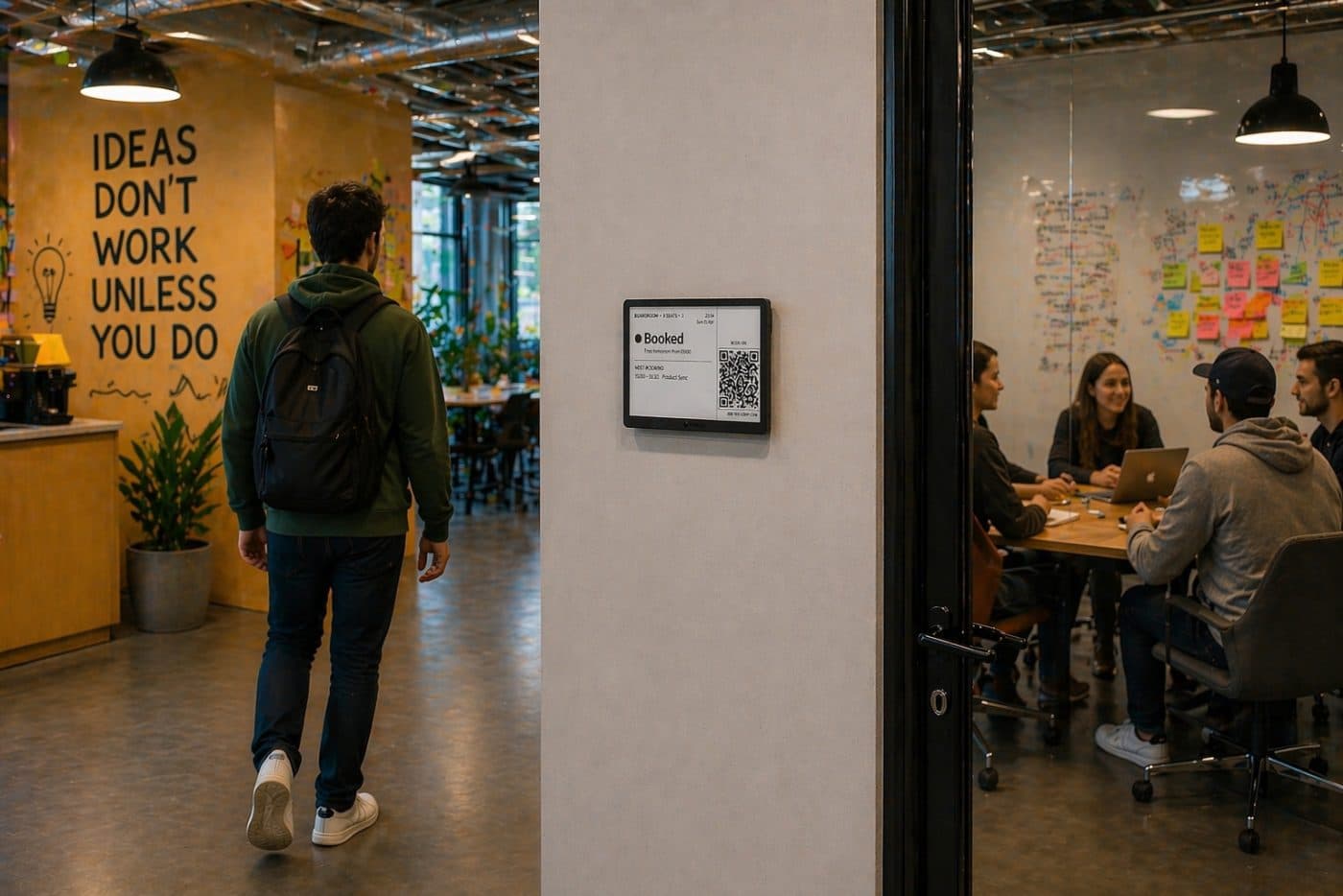
Free for 3 rooms. Forever. No credit card.
Start free. Stay free if 3 rooms is enough. Pay a flat €29/month when you outgrow it — not per-room, not per-seat, not per-quote.
Up to 3 active displays. Forever.
- Microsoft 365 calendar sync
- Real-time availability
- Custom room names & photos
- Buy our e-ink display or bring your own
- Read-only calendar access
- Community support
No credit card required
Unlimited displays. Unlimited rooms.
- Everything in Free
- Unlimited displays & rooms
- Room overview dashboard
- Team roles & audit log
- Priority email support
- All future features & updates
Monthly or yearly. Cancel any time.
What 10 rooms costs, year one.
| Product | Hardware (10 rooms) | Software / yr | Year 1 total |
|---|---|---|---|
| Lobby — our display | €1,290 | €345 | €1,635 |
| Lobby — bring your own | €0 | €345 | €345 |
| Joan | ~€3,700 | ~€1,100 | ~€4,800 |
| Robin | Their hardware | ~€4,630 | ~€4,630+ |
Competitor pricing from public sources, Apr 2026. Your mileage will vary — theirs includes a sales call.
Straight answers. The ones you'd ask on a sales call, minus the sales call.
Yes — to grant tenant-wide admin consent for read-only access to your room mailboxes, an Entra global admin (or Application Administrator with the right scope) has to click through the Microsoft permissions screen once. After that, anyone on the tenant can manage displays in the Lobby dashboard. Takes about 60 seconds.
For each room mailbox you authorise: the next 24 hours of busy/free slots, the organiser's display name, and the meeting subject. That's it. We don't read attendees, bodies, attachments, or anything outside the rooms you pick. We use Microsoft Graph's /places and /calendarView endpoints with Calendars.Read and Place.Read.All application permissions only.
No. Lobby only ever requests Calendars.Read and Place.Read.All. It physically cannot create, edit, or delete events — those permissions were never granted, and Microsoft Graph will reject any write call from our app. If you want to let people book the current room from the display, that's on our roadmap and will require an additional opt-in scope (Calendars.ReadWrite). Out of the box, Lobby is display-only.
No catch. 3 displays free, no credit card, no 14-day timer, no feature wall on the rooms you run for free. We make money when you grow past 3 rooms and want the €29/month flat plan. If 3 is enough for you forever, pay €0 forever.
No. Our TRMNL e-ink display is €129 and the nicest option, but Lobby runs as a web page — any iPad, Android tablet, Kindle, Raspberry Pi, or old laptop with a browser will work. Same free tier applies.
We support both. If your org runs on Google Workspace, head to our Google Calendar page (/meeting-room-displays-for-google-calendar) — same product, same pricing, same setup flow against Google's resource calendars. You can mix tenants on the same Lobby account if your office is hybrid.
EU region (Frankfurt), on our own infrastructure. We're a third-party Microsoft Graph consumer — we don't share data with Microsoft beyond the read requests themselves, and we don't sell anything to ad-tech. Vikba ApS is a Danish company; GDPR is the default, not a setting. Compatible with the EU Data Boundary for Microsoft 365 (we don't store the data Microsoft does).
Up to 12 months on a single charge under typical office use — e-ink only draws power to redraw the screen, and we only redraw when a meeting actually starts or ends. Charges over USB-C in about 3 hours.
No. Lobby is built by Vikba ApS in Copenhagen. Microsoft 365, Outlook, and Microsoft are trademarks of the Microsoft group of companies; we're a third-party app that reads the Microsoft Graph Calendar API.
Stop losing meetings to meeting rooms.
3 displays free. Read-only calendar access. 10-minute setup.
No credit card · No sales call · Free forever